
Studies show that enhanced classroom experience can result in a better education and more sophisticated skill development.
Researchers argue that classroom engagement can be enhanced for at least some students by simply introducing rather more active practices in the classroom. For me as a teacher, it’s been always a non-trivial task to effectively engage with the audience, especially with those of medium or large size. In the current COVID-19 reality, however, where I will most likely need to deliver my lectures online, the problem seems to be hopeless.
That is how I felt a couple of months ago, before I step into the student’s shoes to take part in six online workshops during Making an Impact 2020 at the University of Liverpool. These workshops were delivered by experienced coaches and most of the workshops by design were supposed to be engaging. All these workshops initially were planned to be delivered offline, and had to be adapted to the online setting in a short period of time. For many of the lecturers the online format was new, and I saw this as an opportunity for observing how people approach the problem of engaging students in active learning in the online setting and reflect on what worked and what didn’t.
I also used a chance of observing and reflecting on online teaching during the workshops of Developing Academic Practice course that I am attending at the University of Liverpool. I further did some online research to find how others are coping with such challenges and what tools help them. In addition, I talked to my colleagues who had to deliver their classes online in the last semester. In this post I collected some tools and techniques that I noted for my future practice to consider for facilitating student engagement in the online setting.
Tools and techniques
- Use online breakout rooms. Group work is an effective method to motivate students, encourage active learning, social interaction, and develop key critical-thinking, communication, collaboration, and decision-making skills. Various online conferencing platforms provide the breakout rooms functionality, which is intended to support group work. Breakout rooms were utilised at almost all of the workshops and proved to be very effective.
- Encourage people to switch on their cameras. At one of the workshops in the very beginning the coach asked participants to switch on their camera and say hello, otherwise for her it is hard to speak to the hidden audience. This worked very well, most of the students switched on their camera and left them active during the whole session. This really increased students’ engagement.
- Do activity in parallel with the students. One of the lecturers asked to do a writing exercise for 5 minutes and instead of just sitting and waiting for 5 minutes the lecturer also participated in the activity in parallel with the students. This created a welcoming atmosphere of collaboration.
- Allow anonymity.Where it was possible some speakers explicitly welcomed anonymous participation in certain activities. This removed a barrier for some people and noticeably increased students’ engagement in the activities.
- Share and discuss exercises in small breakout rooms. Unsurprisingly, I observed that students are less actively involving in sharing their thoughts or results of an individual activity within a large online group. What worked much better and more efficiently for knowledge development is small breakout rooms of 2 to 4 participants. At one of the workshops students were asked to do a writing exercise and then share what they have written with their peers in breakout rooms. A cozy environment of small groups enabled participants to easily share their results and provide feedback to others.
-
Online polling tools.
Such tools let the teacher ask students questions and immediately see and demonstrate the results. It can be used for assessing prior knowledge, identifying points that need follow up, recapping on topics to improve knowledge retention, asking informal questions to kick off a class, running formative assessment, collecting students opinions or checking their understanding of a topic. I know three such tools that either I’ve used myself as a student or heard about from the colleagues. These are Pollev, Menti, Kahoot. The latter tool received particularly good reviews from some of my peers.
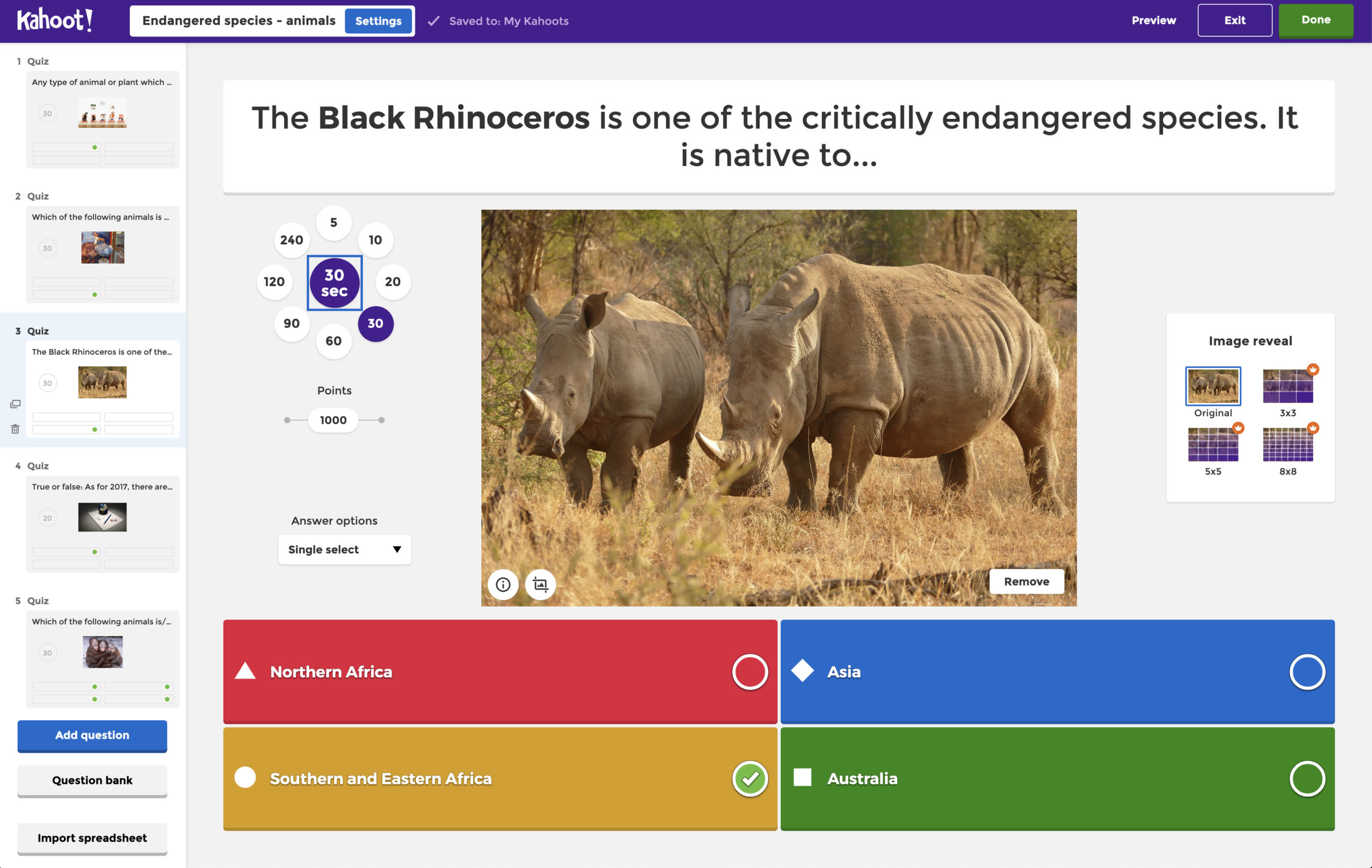
Kahoot! is a game-based learning platform that brings engagement and fun. -
Annotation tools.
With these tools students are not only able to answer teacher’s questions interactively but more importantly collaboratively build shared knowledge. For example, in one of the workshops of the Developing Academic Practice course, our lecturer named some concept and asked us to think about how we understand it. After that, the teacher provided access to the annotation board where we were welcomed to place stickers with the words that characterise the concept. This followed by engaging and meaningful discussion. The tool that had been used is Mural.
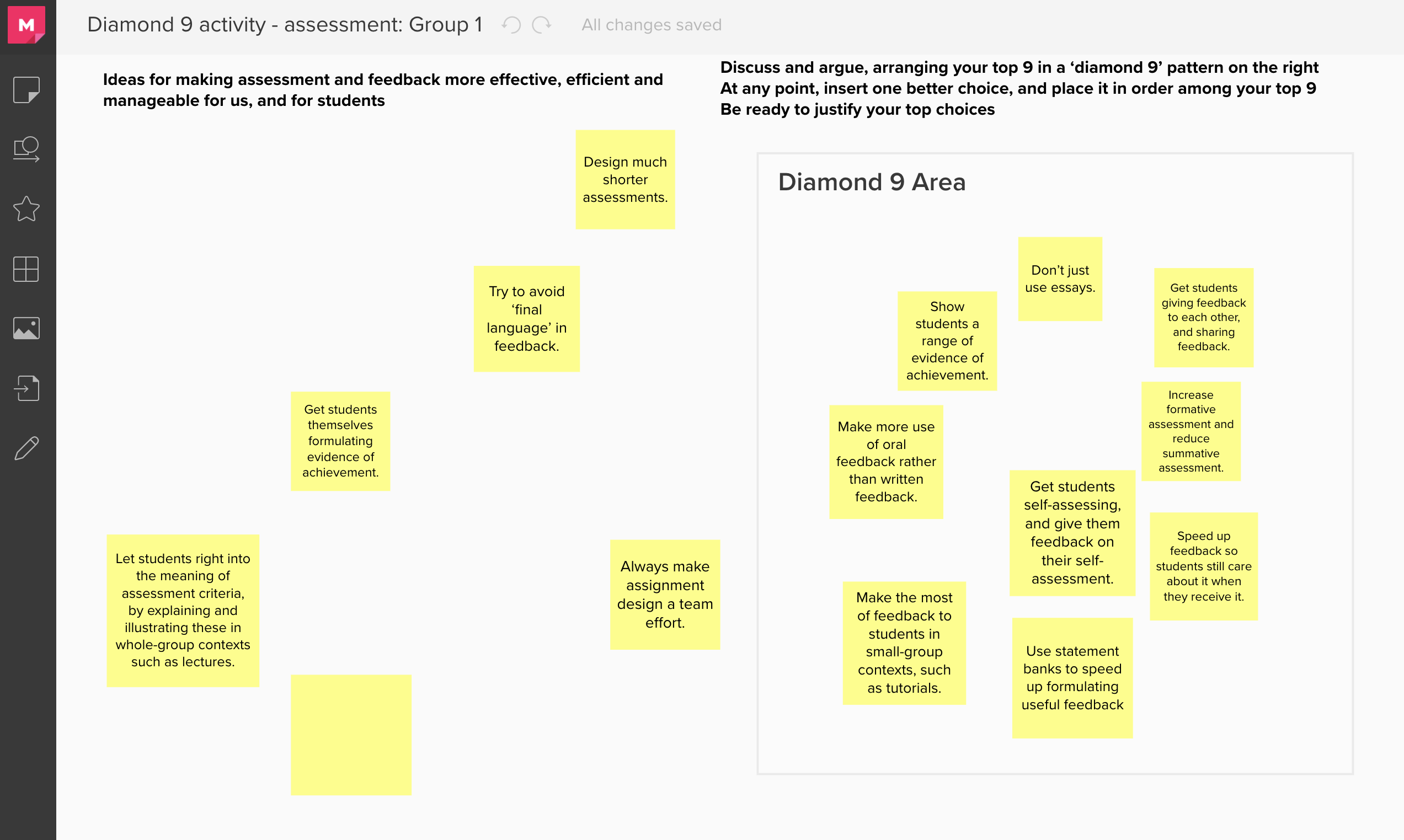
MURAL is a digital workspace for visual collaboration. -
Online forums.
A great tool that I’ve learnt from my colleague Sebastian Wild is Piazza, a learning management system which allows students to ask questions in a forum-type format. Instructors are able to moderate the discussion, along with endorsing accurate answers. It allows for student collaboration, knowledge construction, and active learning. Piazza enables students to ask questions online that they wouldn’t get the opportunity to ask otherwise. Moreover instructors have the ability to allow students to post anonymously, encouraging more in-depth discussion. It encourages peer to peer knowledge sharing by endorsing good questions and answers. One can post with code blocking, images, videos, polls, and use LaTeX equation editor to easily read and write equations.
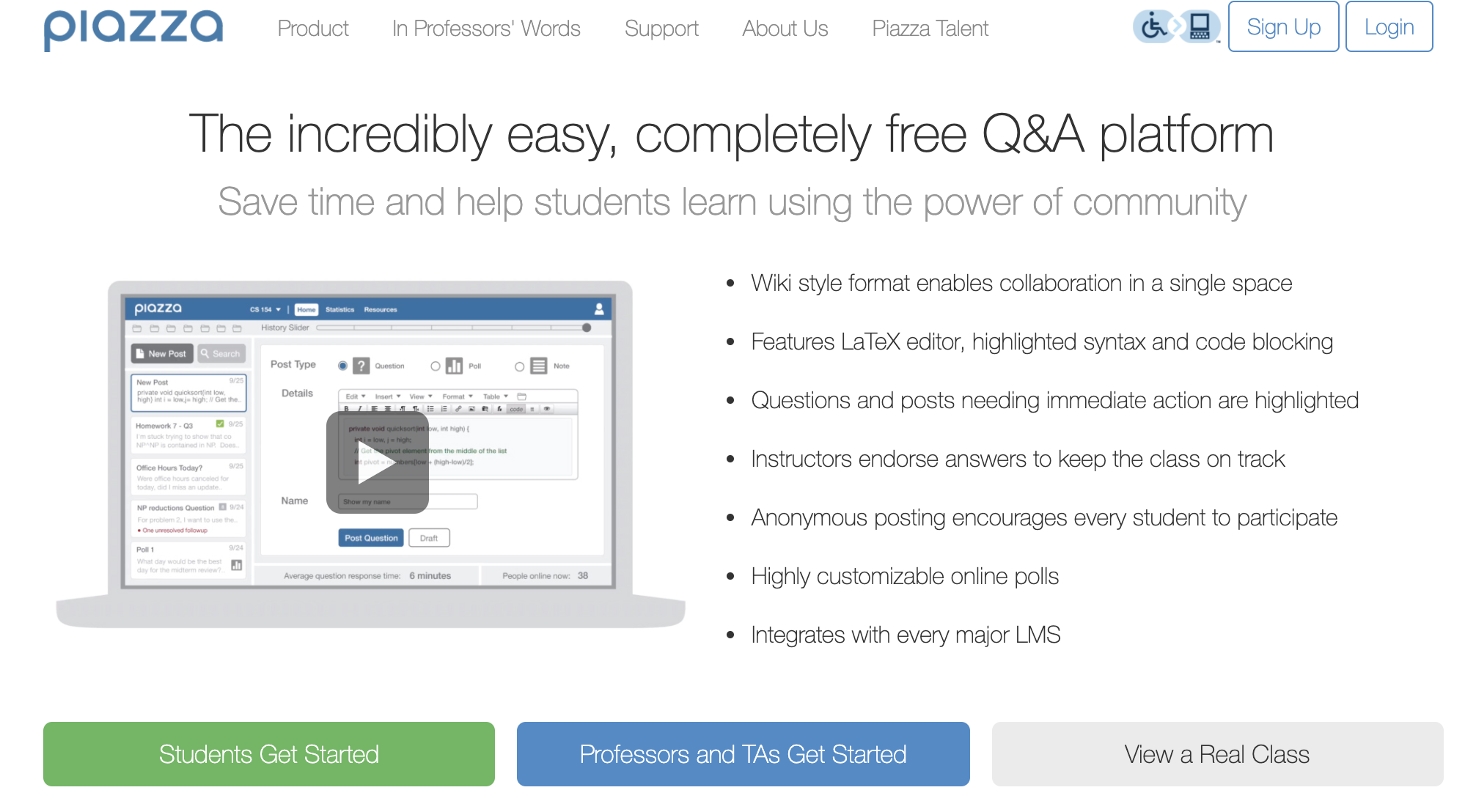
Piazza — the incredibly easy, completely free Q&A platform.